
YouTube without distractions
Block shorts, recommendations, comments and more
Stop mindless screen time with focused view modes
Focus mode - search only, for when you need to block out all the noise
Break mode - time limited breaks with full access
Manual mode - fully customize your viewing experience
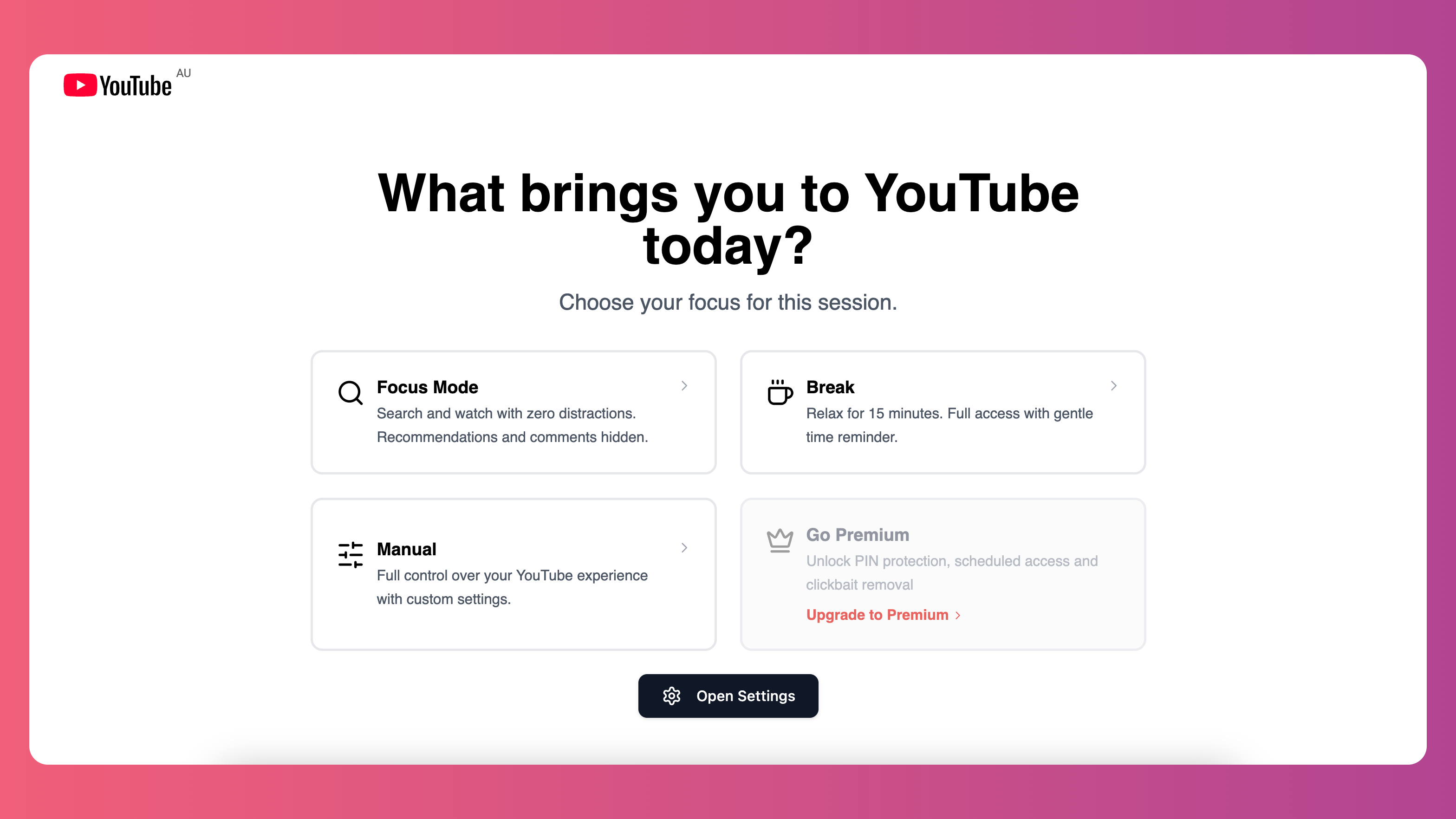
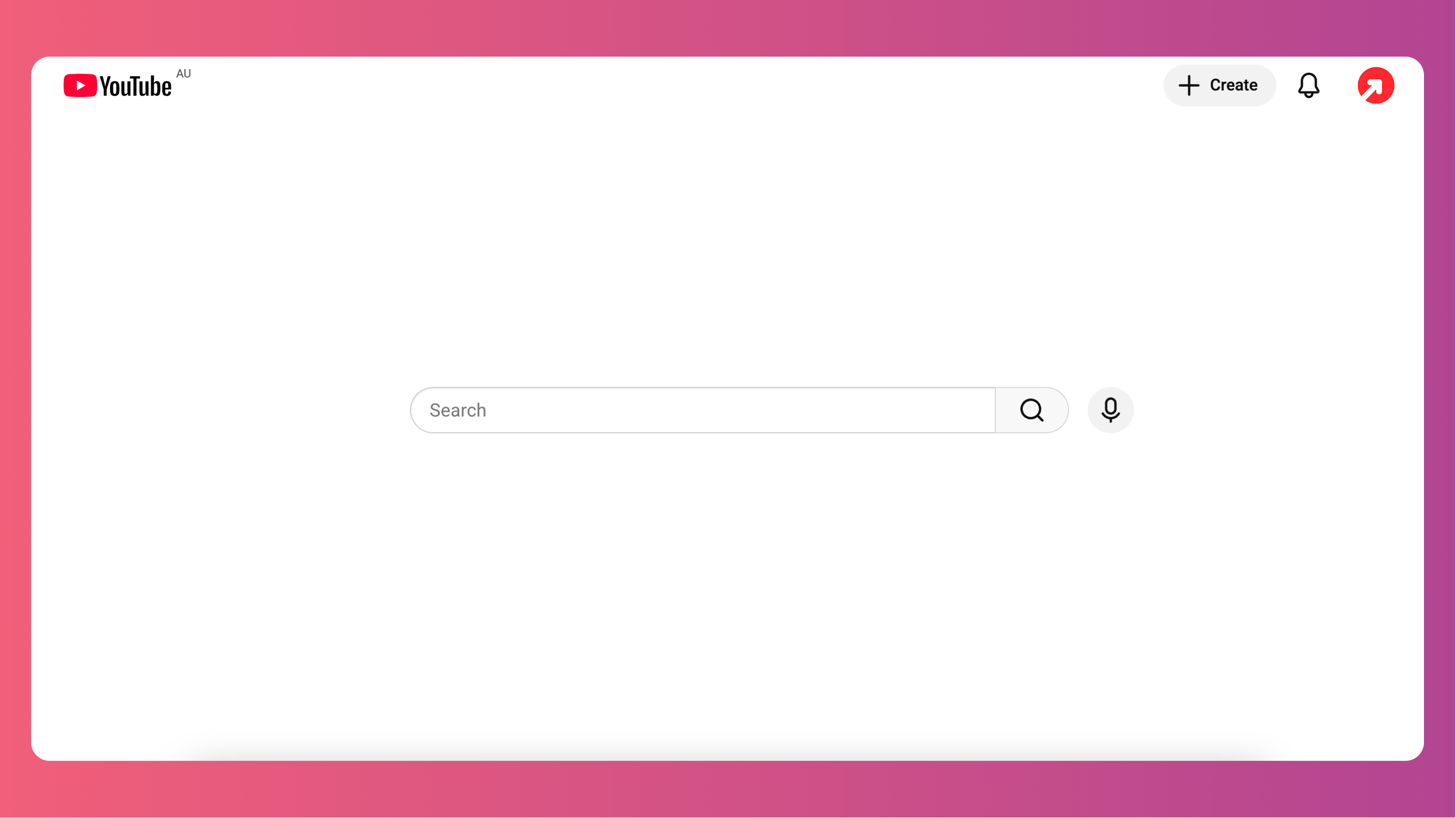
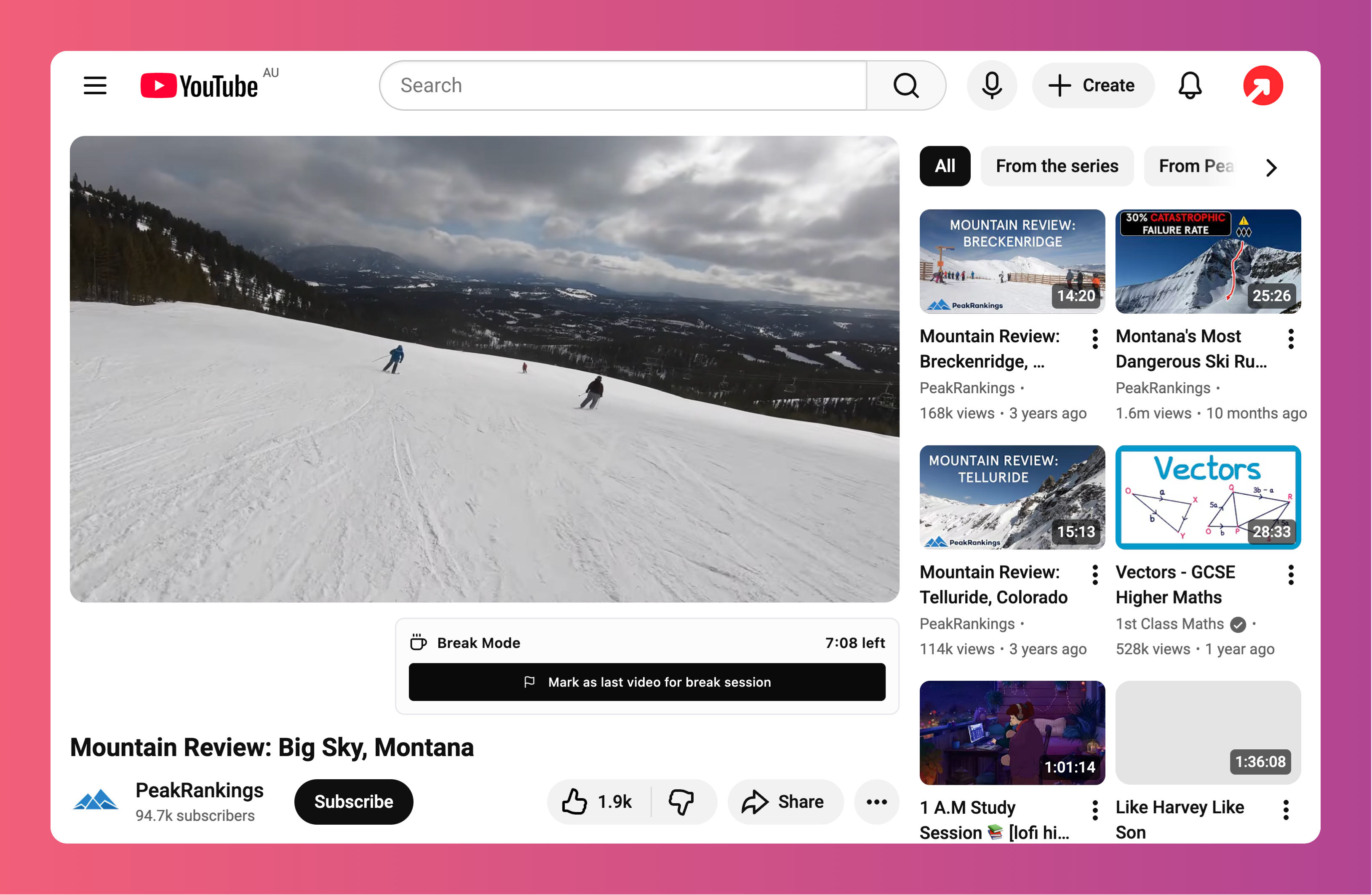
Home page view mode options
Hide YouTube Shorts and other distractions
Reduce visual noise and make YouTube feel calm with greyscale thumbnails.
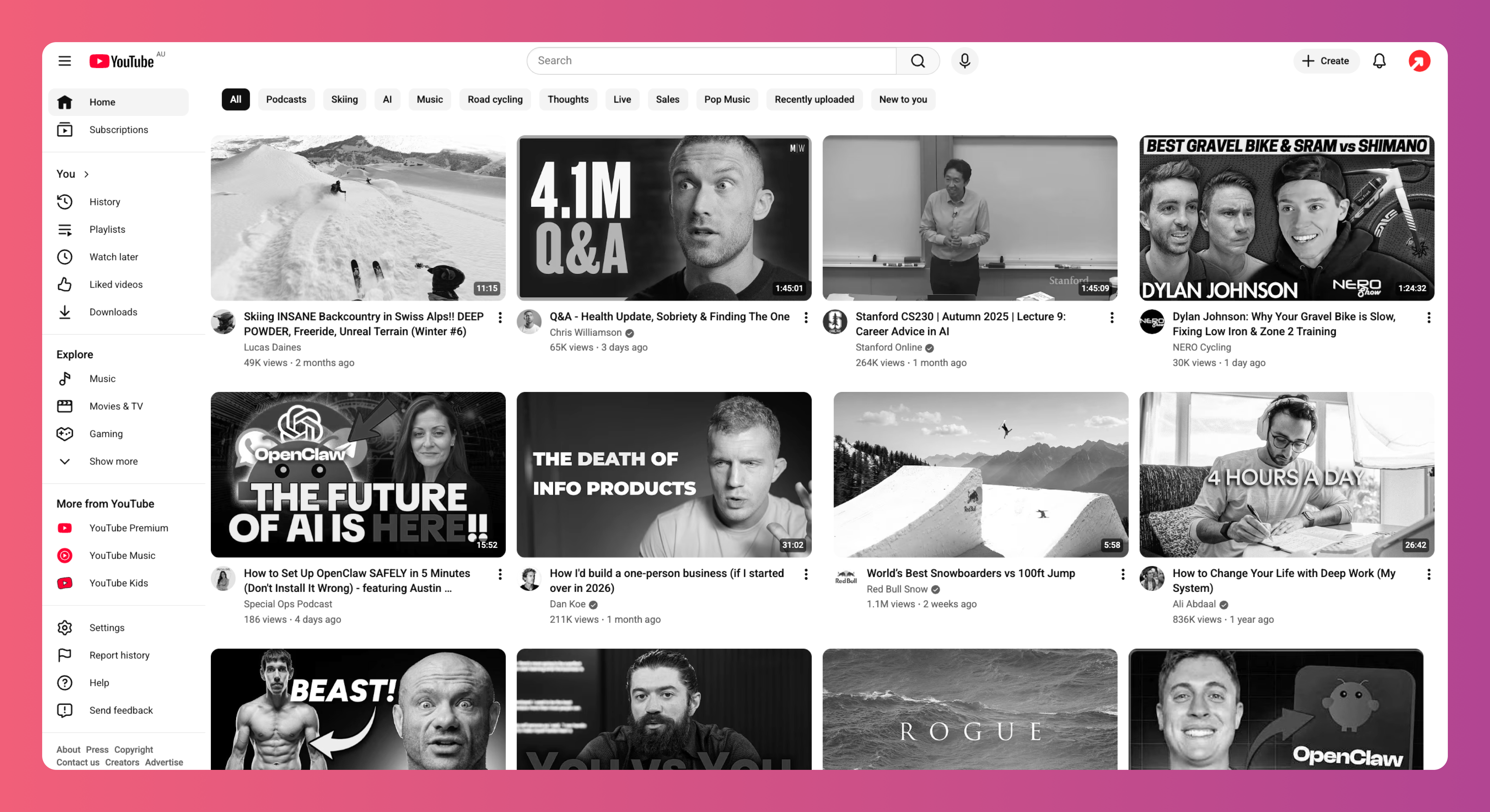
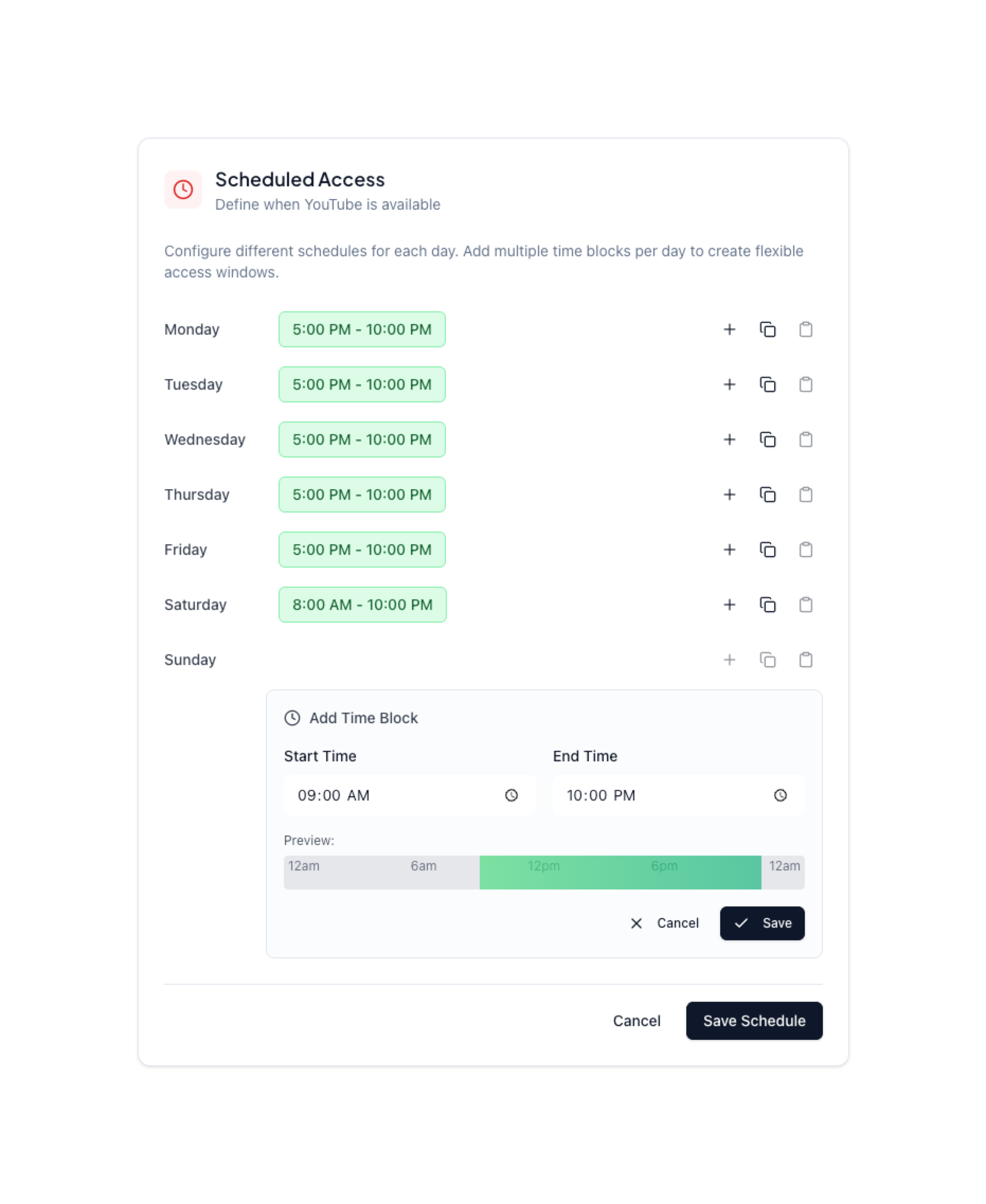
Schedule access
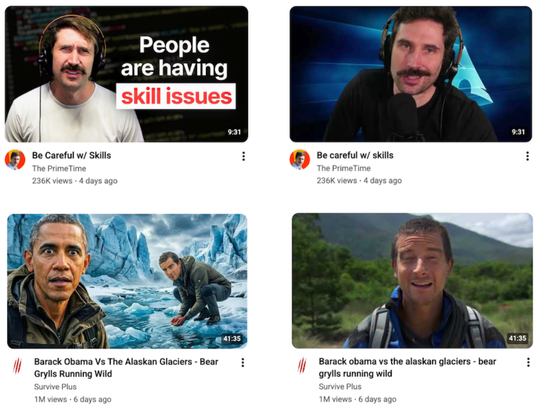
Remove clickbait thumbnails
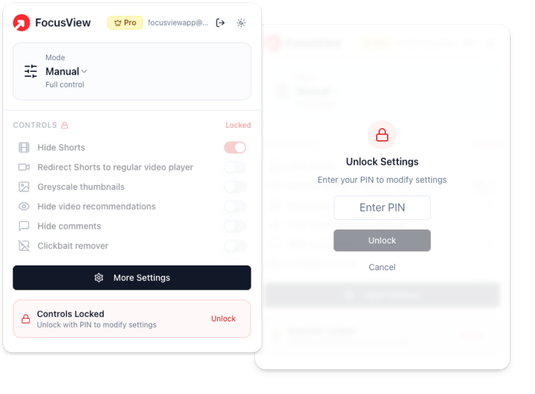
PIN protect settings

Hey, it's Hugh
Creator of FocusView
I built FocusView because I was tired of wasting so many hours of my life watching Youtube.
You know the story, you open YouTube to watch one tutorial and somehow an hour and a half later you are an expert in the history of magic (insert any rabbit hole of your choice). The algorithm knows exactly how to keep you scrolling and clicking, and I needed a way to fight back.
FocusView isn't about blocking YouTube entirely. I love Youtube. It's about making YouTube work for you, not against you. Watch what you came to watch. Learn what you need to learn. Then close the tab and get back to your life.
This is the tool I wished existed, so I built it. I hope it helps you as much as it's helped me.
Keep your watch time focused
Free
The essentials, forever free.
- Block YouTube Shorts
- Hide homepage recommendations
- Hide video suggestions
- Customizable usage modes to help focus
Premium
Pay once. Lifetime access.
- Everything in Free
- Scheduled focus sessions
- Pin-lock settings protection
- Remove clickbait thumbnails and titles
- Priority support
Frequently Asked Questions
- Yes! FocusView offers a free tier that includes all core features: blocking Shorts, hiding homepage recommendations, and hiding video suggestions.
- Premium gives you access to scheduled focus sessions (automatically enable/disable features at set times), pin-lock settings protection (for extra self-control), clickbait thumbnail and title removal, and priority support for any issues.
- FocusView works across the YouTube website including the homepage, video watch pages, search results, and channel pages. It blocks Shorts everywhere they appear and can redirect /shorts/ URLs to regular video format.
- Absolutely. FocusView stores all your settings locally in your browser. We don't track your viewing habits, collect analytics, or send any data to external servers. Premium sync features use end-to-end encryption.
- To remove FocusView, right-click the extension icon in Chrome and select "Remove from Chrome", or go to chrome://extensions and click Remove on the FocusView card. All your settings will be deleted automatically.
Ready to take back control?
Join users who have reclaimed their YouTube experience
Install FocusView Extension